How to create a memecoin without coding: step-by-step guide
A practical guide to creating a memecoin without coding with MINTORA Tools, including visual identity, ticker, supply, network, wallet, review and onchain confirmation.
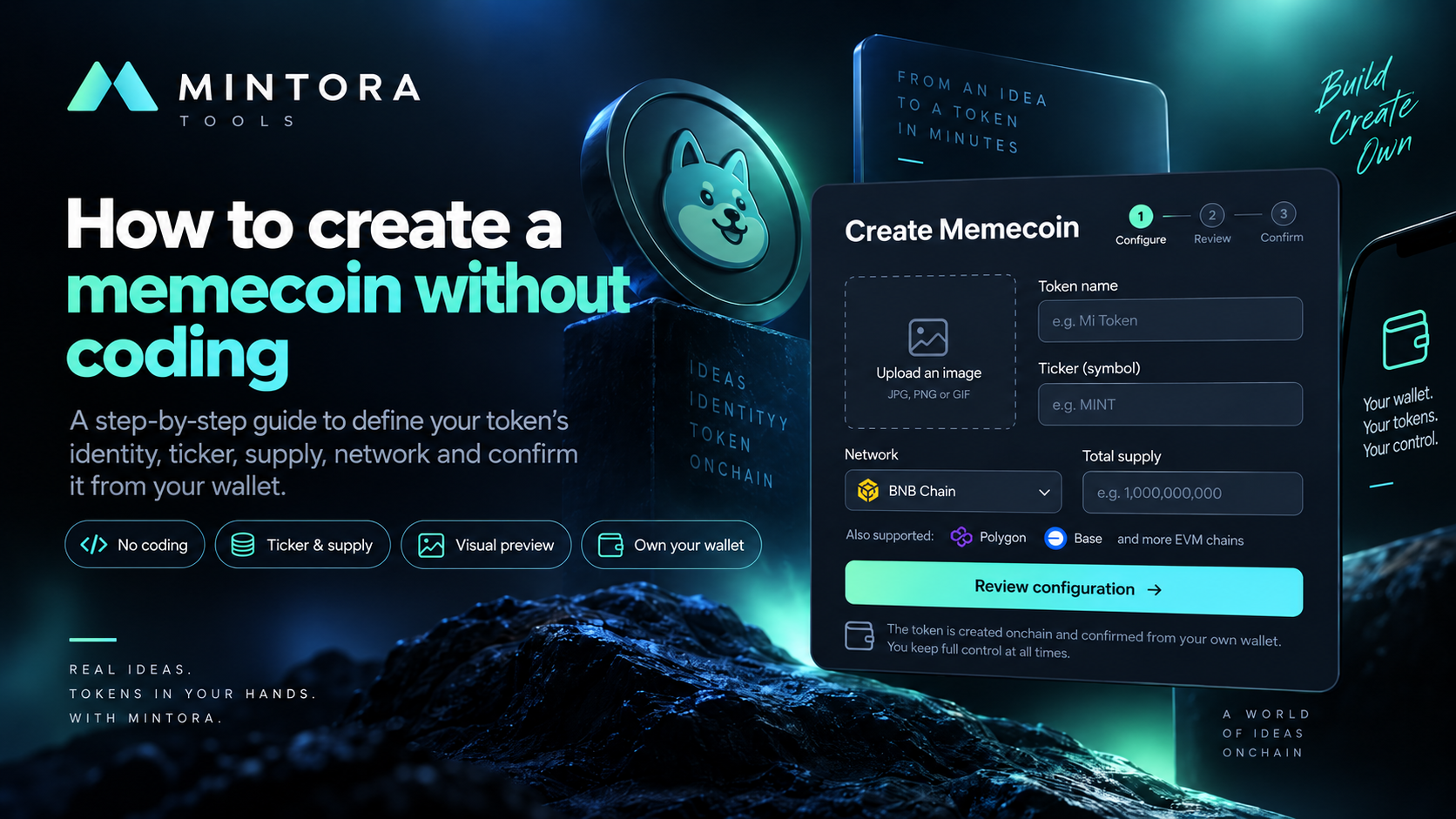
Creating a memecoin does not have to start with writing a Solidity contract. In MINTORA Tools, the Memecoin Creator flow is designed around building the project identity, defining its ticker and supply, selecting the network, reviewing the configuration and confirming the creation from your own wallet.
If you want to understand the general technical flow first, see our guide to creating a token without coding. This article focuses on the memecoin-specific workflow and the identity and community elements worth defining before creation.
What to define before creating a memecoin
Before opening the creator, prepare the name, ticker, a consistent visual identity and the supply you want to set. These elements help keep the project presentation consistent throughout the configuration process.
You also need a wallet compatible with the selected network and enough balance to cover gas. Gas is a blockchain execution cost and is charged separately from the MINTORA service fee.
Step 1: build your memecoin identity
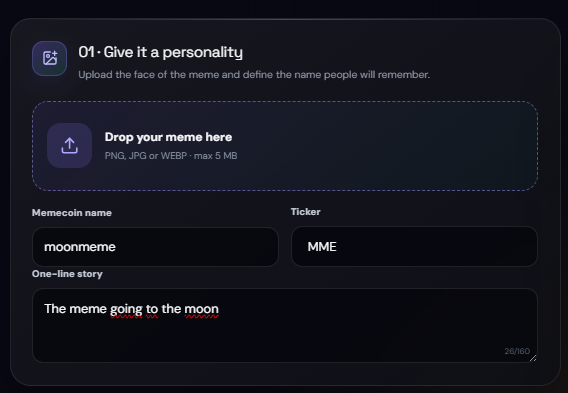
The name and ticker are the basic references people will use to recognize the token. Choose them carefully and review them before continuing; a typo can become part of the configuration used to create the contract.
Step 2: add the visual and review the preview
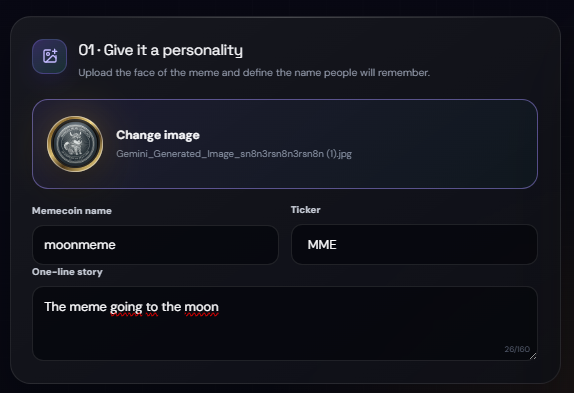
Memecoin Creator includes a visual flow for working with the project image and reviewing a preview before continuing. Use a clear graphic that matches the name and ticker; visual identity helps present the idea, but it does not guarantee adoption, liquidity or market value.
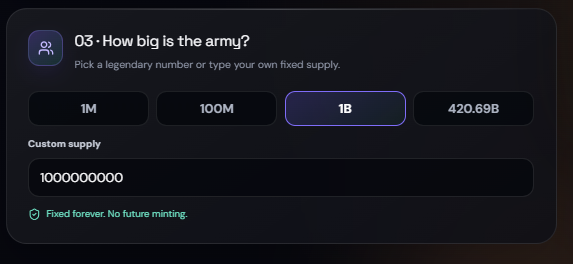
Step 3: define the supply
Review the total supply before confirming. In the current MINTORA model, the token is created with a fixed supply: the amount is set at creation and there is no later mint function to increase it.
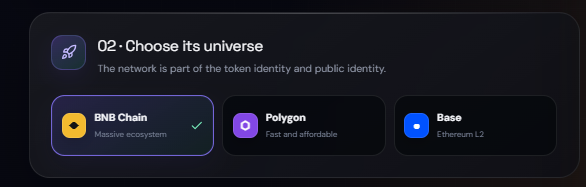
Step 4: choose the network and prepare gas
MINTORA Tools works with BNB Chain, Polygon and Base. The gas asset depends on the network: BNB on BNB Chain, POL on Polygon and ETH on Base. Confirm that your wallet is connected to the same network selected in the creator before signing.
The MINTORA service fee and network gas are separate costs. The application displays the service fee, while gas pays for execution on the blockchain and can vary with network conditions.
Step 5: review and confirm from your wallet
Before requesting the transaction, recheck the name, ticker, supply, network and displayed costs. MINTORA does not need your seed phrase or private key: final authorization takes place in your own wallet.
What to check after creation
Save the contract address and review the transaction in the network explorer. Confirm that the main technical details match the configuration you approved. The contract address is the key technical identifier; a name or ticker can be reused by other contracts.
Creating a memecoin does not create a market
Creating the contract is separate from providing liquidity, generating trading volume, getting exchange listings or building a community. MINTORA Tools is a creation tool and does not guarantee price, returns, adoption or market success.
Common mistakes to avoid
Common mistakes include using the wrong ticker, setting an unintended supply, uploading a hard-to-read visual, selecting a different network from the one active in the wallet, or not holding the gas asset required by the selected network. Reviewing everything before signing is an essential part of the process.
Conclusion
The Memecoin Creator flow combines identity, ticker, supply, network, preview and wallet confirmation in a no-code experience. The goal is to reduce technical friction without turning token creation into a promise of financial performance.
Frequently asked questions
Do I need to know Solidity to create a memecoin with MINTORA?
No. Memecoin Creator is designed as a no-code flow for configuring the memecoin and confirming creation from your wallet.
What do I need to pay gas?
It depends on the selected network: BNB on BNB Chain, POL on Polygon and ETH on Base. Network gas is charged separately from the MINTORA service fee.
Can I increase the supply after creating it?
In the current MINTORA model, supply is fixed at creation and the contract does not include a later mint function for increasing it.
Does creating a memecoin guarantee price or liquidity?
No. Contract creation is separate from liquidity, price, listings, community growth and any financial performance.