How to create a token on BNB Chain: step-by-step guide
A focused guide to creating a fixed-supply token on BNB Chain with MINTORA Tools, including BNB for gas, wallet checks, onchain confirmation and post-creation verification.
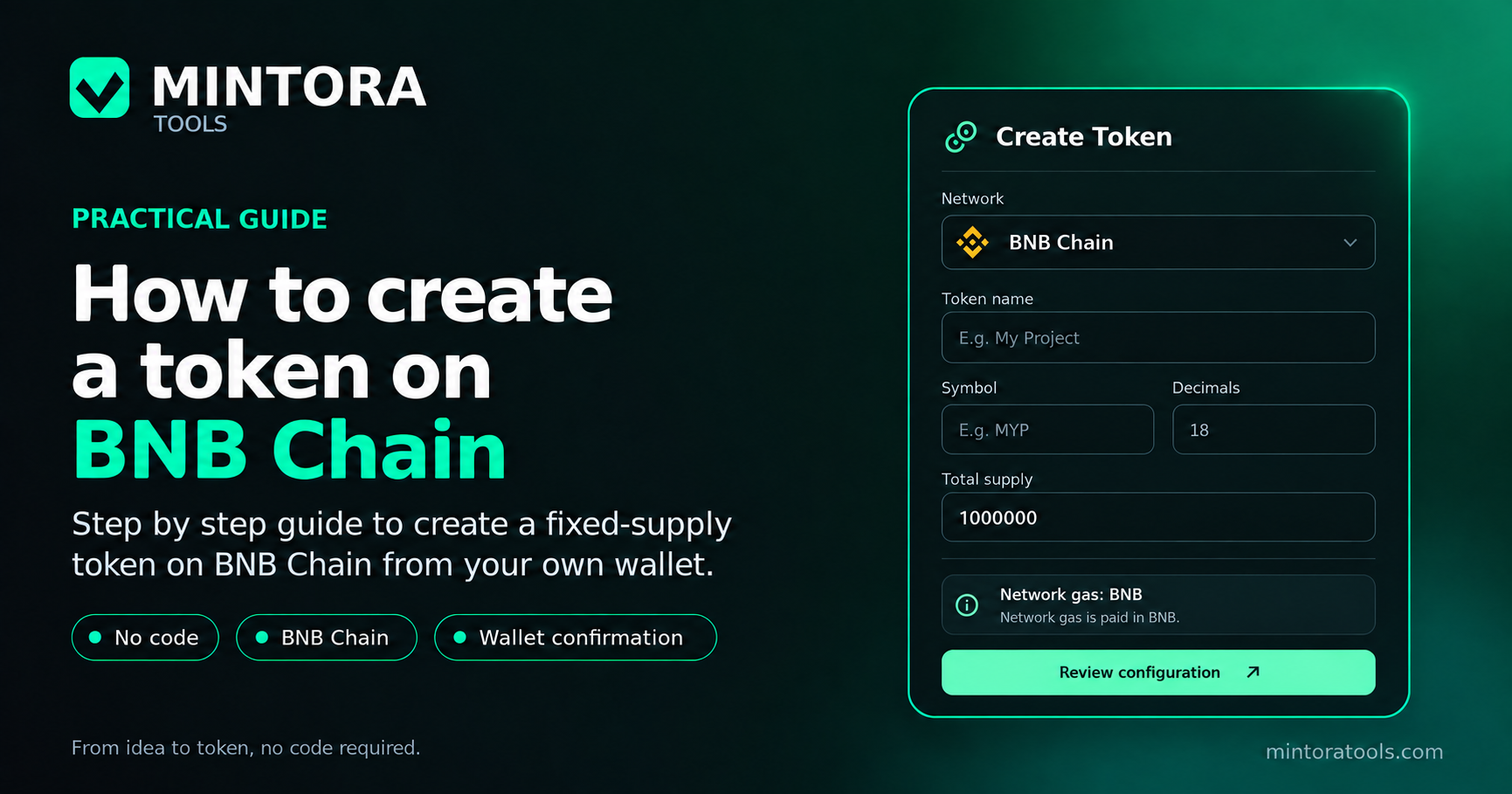
BNB Chain is one of the networks currently available in MINTORA Tools for creating a token without manually writing Solidity. The workflow keeps final transaction approval in your own wallet: choose the network, define the token parameters, review the costs and authorize a real blockchain transaction.
If you are new to the platform, start with our general guide to creating a token without coding. This article focuses specifically on BNB Chain and the checks that matter before you confirm the deployment.
What you need before creating a token on BNB Chain
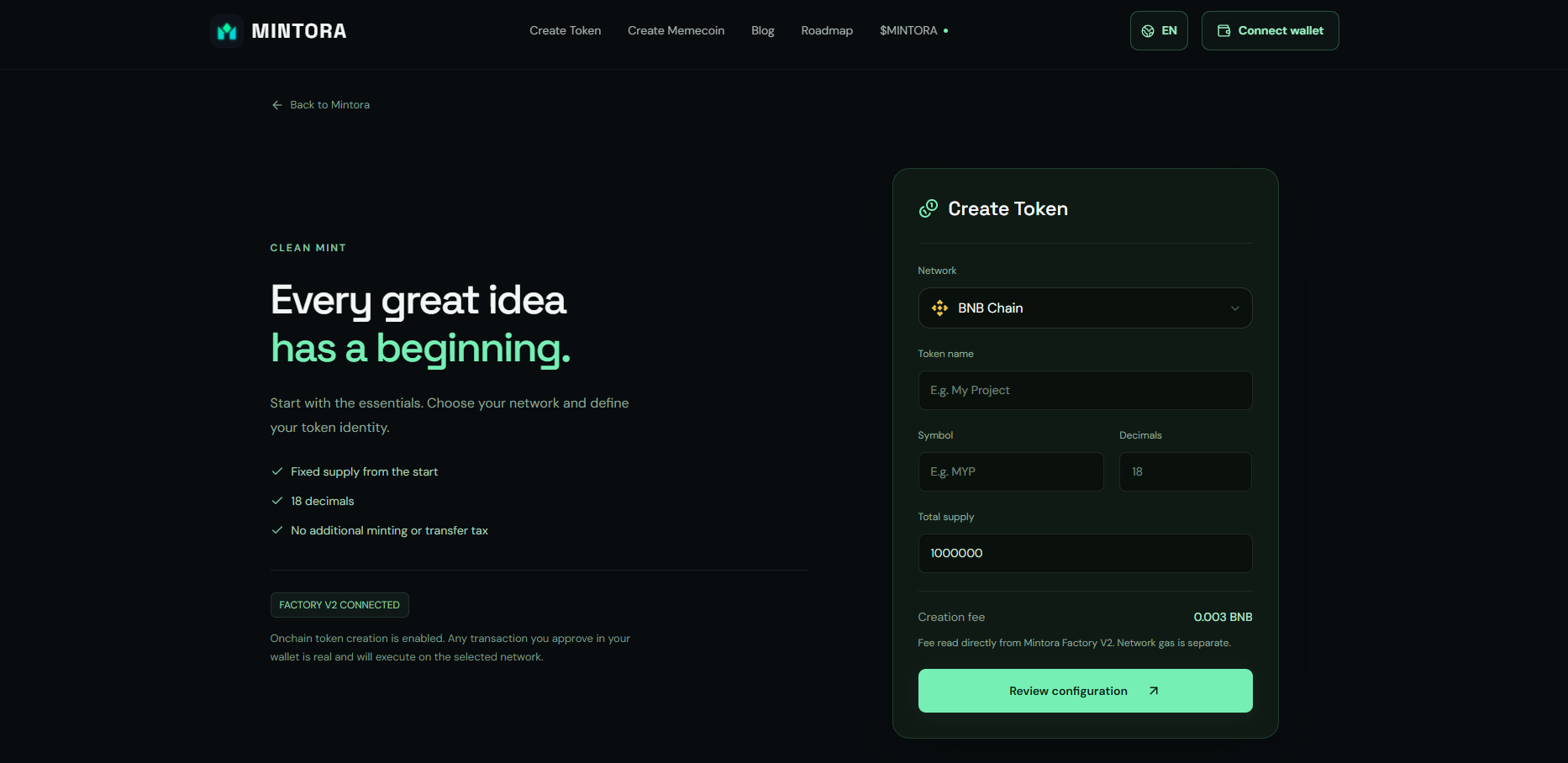
Before you start, define the token name, symbol or ticker, and total supply. In the current MINTORA Tools model, tokens use 18 decimals and a fixed supply set at deployment.
You also need a wallet compatible with BNB Chain and enough BNB to pay for gas. Network gas is separate from the MINTORA service fee.
Step 1: select BNB Chain in the token creator
Open the token creator and select BNB Chain before continuing with the configuration. This choice determines the network where the transaction will be sent and the native asset required for gas.
Before signing anything, confirm that your wallet is connected to the same network. Matching the network selected in the application with the active wallet network helps prevent avoidable transaction errors.
Step 2: configure the name, symbol and supply
Enter the token name, its symbol and the total supply. Review the symbol and supply carefully before proceeding because these values are part of the configuration used to create the contract.
In MINTORA, the supply is defined at creation. The current model does not include a later mint function for increasing the token supply or a transfer tax.
Step 3: prepare BNB for gas
BNB Chain uses BNB to pay for gas, so your connected wallet needs enough BNB to execute the transaction. Gas costs can vary depending on network conditions at the time of the transaction.
Do not confuse gas with the MINTORA creation fee. They are separate costs: the service fee belongs to the platform, while gas pays for execution on BNB Chain.
Step 4: connect your wallet and review the configuration
Connect your wallet from the interface and recheck the network, token name, symbol, supply and displayed costs. MINTORA does not need your seed phrase or private key: the final authorization takes place in your wallet.
Step 5: confirm the onchain creation
When all values are correct, request the transaction and review it in your wallet before confirming. Creation is complete once BNB Chain confirms the transaction.
How to verify the token after creation
After confirmation, save the contract address and open the transaction in a BNB Chain block explorer. Verify that the token name, symbol and supply match the values configured in MINTORA.
The contract address is the token's key technical identifier. Names and symbols can be reused by other contracts, so they should not be relied on by themselves to identify an asset.
Creating the token does not create liquidity or a market
Deploying a token and creating liquidity are separate processes. Creating the contract does not guarantee price, trading volume, exchange listings, community growth or financial performance. Those components must be handled separately if you choose to develop them later.
Common mistakes to avoid
Common mistakes include entering the wrong symbol, setting an unintended supply, having insufficient BNB for gas, or trying to confirm while the wallet is connected to another network. Reviewing the configuration before signing is an essential part of the process.
Conclusion
Creating a token on BNB Chain with MINTORA Tools means selecting the network, defining the parameters, holding BNB for gas, connecting your wallet, reviewing the costs and confirming the transaction. The no-code workflow is designed to reduce technical friction without replacing the user's responsibility to verify the transaction before signing.
Frequently asked questions
Do I need to know Solidity to create a token on BNB Chain with MINTORA?
No. The workflow is designed to configure and create the token without manually writing the Solidity contract.
What do I need to pay gas on BNB Chain?
You need BNB in the connected wallet. Network gas is separate from the MINTORA service fee.
Can I increase the supply after creating the token?
In the current MINTORA model, supply is fixed at creation and the contract does not include a later mint function for increasing it.
Does creating the token guarantee liquidity or price?
No. Contract creation is separate from liquidity, price, exchange listings and any financial performance.